
This product was ready for mass production. We discontinued it anyway. Learn why here.
The Bluda Mark App
The Bluda Mark Textmarker is a genius gadget. The Mark Manager is where that genius gets its instructions.
Unlock the full potential of your AI-powered highlighter with this essential companion. Connect your device, customize its brain, and fine-tune your learning experience, all from the palm of your hand.
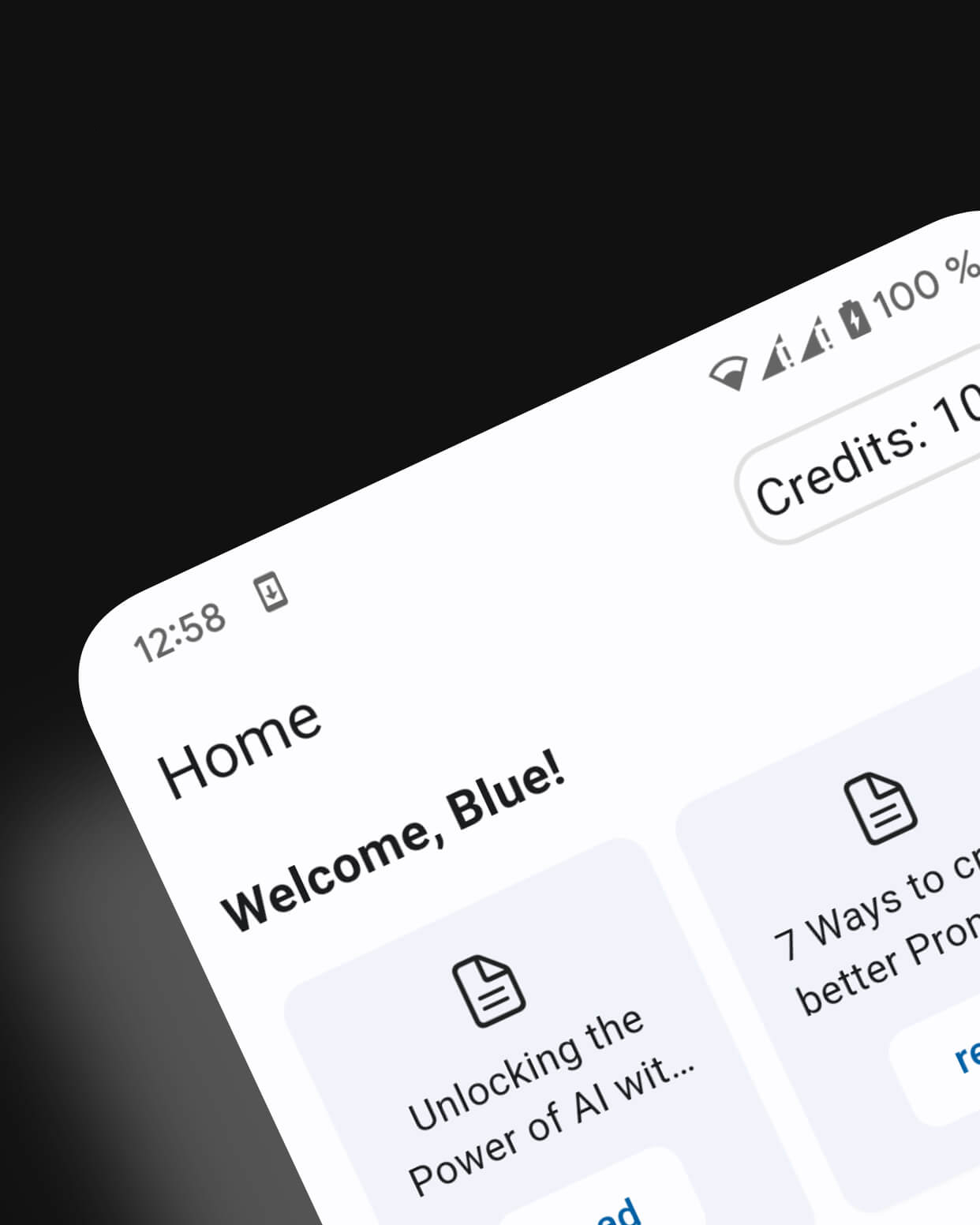
Take Full Control of Your Learning
We designed the app to be as intuitive and powerful as the Mark itself. Here's how it puts you in the driver's seat.
Seamless Setup & Connectivity
Get up and running in minutes. The Companion is required to set up your Mark for the first time, guiding you through a simple process to connect your device to your phone's hotspot or a custom Wi-Fi network. It's a one-time setup for endless possibilities.
Master Your AI with Custom Prompts
This is where the magic happens. Don't settle for generic answers. Use the app to fine-tune the AI's personality and expertise. Command your Mark to:
- • Act as a Translator: "Translate this Latin text into English."
- • Be a Science Whiz: "Explain this physics formula like I'm 15."
- • Become a Business Analyst: "Summarize the key takeaways from this paragraph."
- • Serve as a Coder: "Explain what this line of Python code does."
You define its role, making it the most personalized study tool on the planet.
Insider Knowledge & Guides
Make the most of your revolutionary device. The Manager is your source for insider tips, video tutorials, and best practices. Learn advanced scanning techniques, discover powerful prompt ideas, and ensure you're using every feature to its fullest potential.
Your Central Hub
Your Mark Textmarker is designed for ultimate discretion. The Mark App is its powerful counterpart, a required tool that transforms your device from a smart scanner into a personalized learning partner.
From initial setup to advanced AI customization, it is your central hub for controlling every aspect of how your Mark works for you.
Get Started in 3 Simple Steps
Connecting your Mark is effortless.
Download the Manager
Head to the Apple App Store or Google Play Store and get the free Mark Manager.
Connect Your Device
Power on your Mark Textmarker and follow the simple on-screen instructions in the app to pair your device and connect it to a Wi-Fi network.
Customize & Conquer
Dive into the prompt settings to tailor the AI to your specific subject. Now, you're ready to scan, tap, and learn like never before.
Download Now
Download the Mark app for iOS & Android to manage your Bluda Mark.